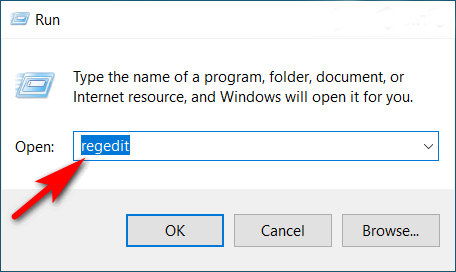
Step 1: Type regedit and press Enter to open the Registry Editor.
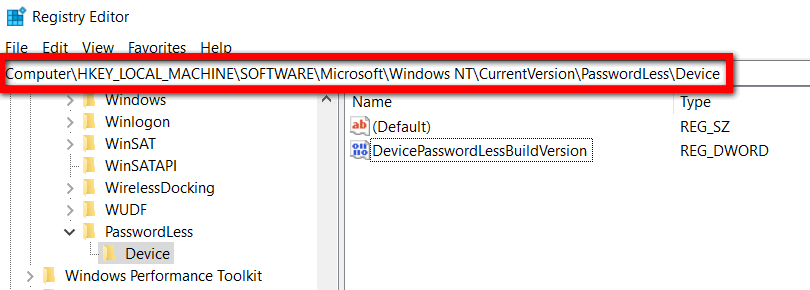
Step 2: After that, navigate to the following Registry key:
Computer\HKEY_LOCAL_MACHINE\SOFTWARE\Microsoft\Windows NT\CurrentVersion\PasswordLess\DeviceStep 3: Double-click on the DevicePasswordLessBuildVersion key and change its value to 0, then validate with OK.