Step 1
Create the python environment:
Go to setup Python App and click on the CREATE APPLICATION button.
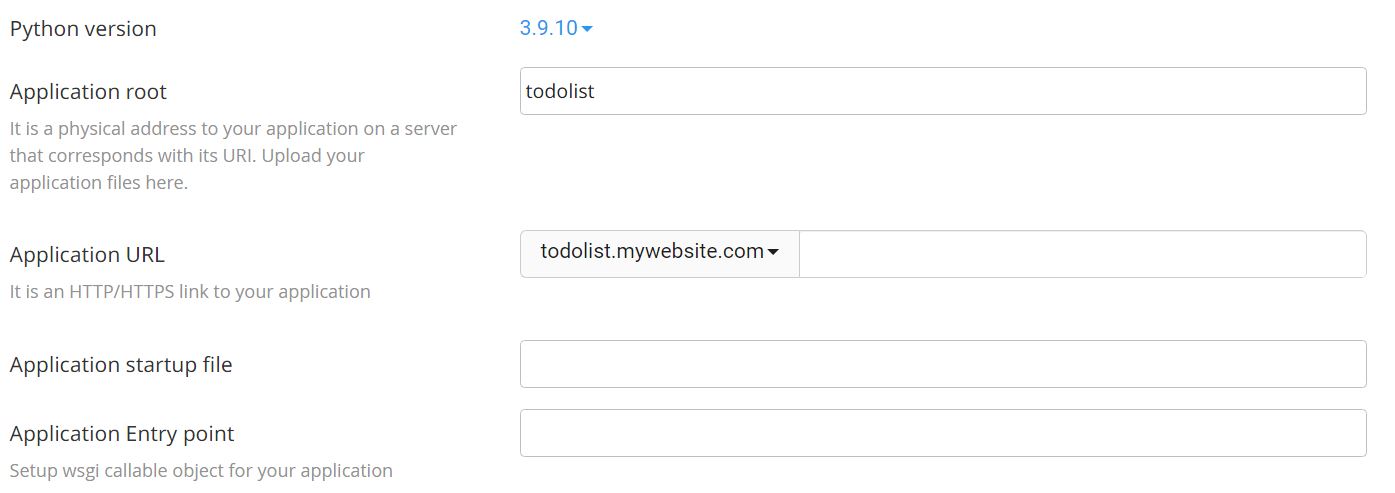
Enter the necessary information and click the create button to create the application .
Python version: 3.8.12
Application URL: mydomain.com
Application startup file: passenger_wsgi.py
Application Entry point: application
Step 2
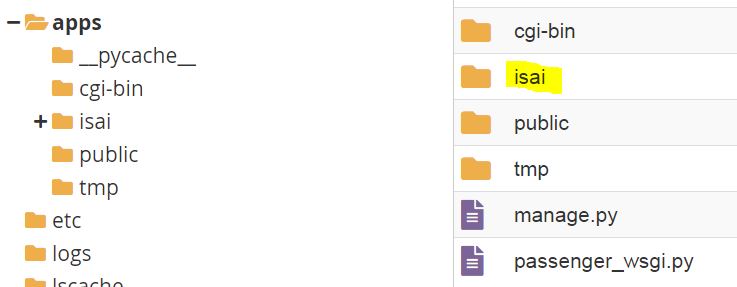
Upload the project folder into app root.
Step 3
Edit the passenger_wsgi.py file.
Go to app root folder and edit the passenger_wsgi.py.
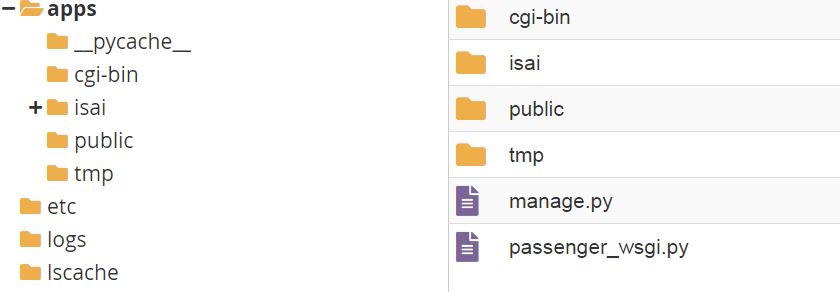
Delete all the content and add below line.
from isai.wsgi import applicationStep 4
Edit setting.py in the project folder: /apps/isai/setting.py
Update your domain to allowed url and update database information.
ALLOWED_HOSTS = ['mydomain.com']

'default': {
        'ENGINE': 'django.db.backends.mysql',
        'NAME': 'dbname',
        'USER': 'dbusername',
        'PASSWORD': 'dbpassword',
        'HOST': 'localhost',
        'PORT': '3306',
    }
Step 5
Activate the environment and install Django and pymysql
1. source /home/username/virtualenv/apps/3.8/bin/activate && cd /home/username/apps

2. pip install django==4.0.4

3. pip install pymysql
Finally, restart the python app.